


Understanding Component Rotation in PCB Assembly: Why It Matters
 View
View
One detail that is often overlooked before submitting a PCB Assembly (PCBA) order is component rotation. Even if the Bill of Materials (BOM) is correct, an incorrect rotation in the Component Placement List (CPL) can cause components to be placed in the wrong orientation.
Before submitting my assembly files, I always perform a final rotation check, especially for polarized and multi-pin components.
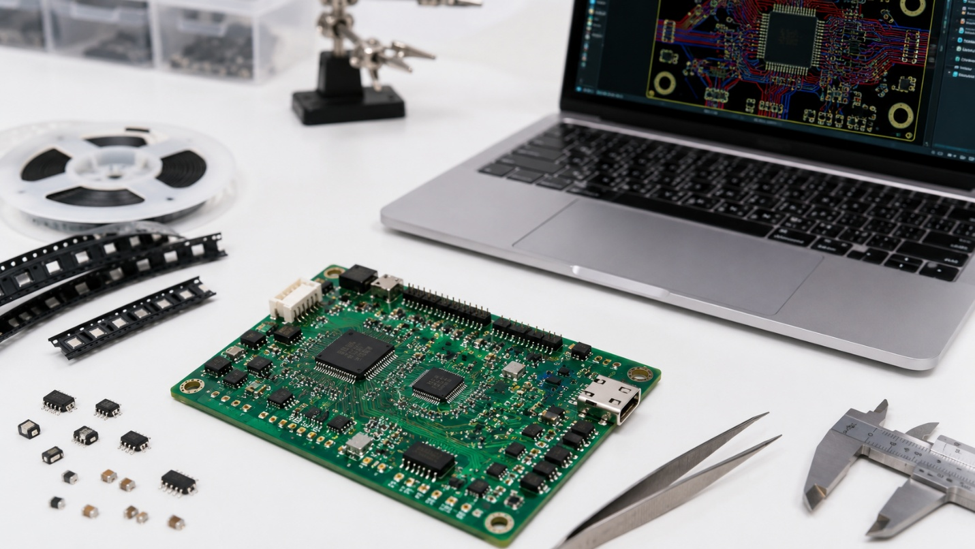
Which Components Need Extra Attention?
Not every component is sensitive to rotation, but several should always be reviewed before uploading the CPL file.
These include:
- Integrated Circuits (ICs)
- LEDs
- Diodes
- Electrolytic Capacitors
- Connectors
- Crystal Oscillators
Most PCB design software displays orientation markers, making it easier to compare the layout with the component datasheet.
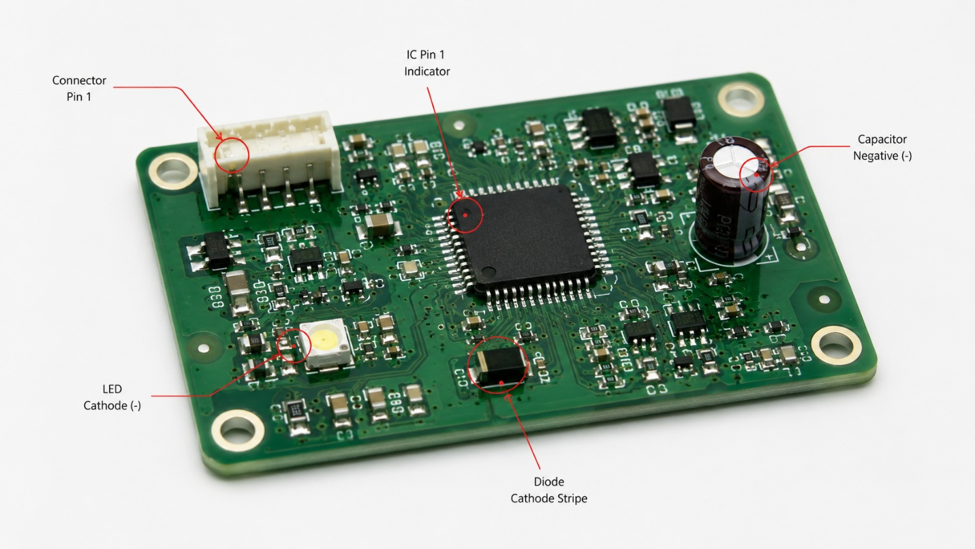
Final Verification
Before exporting the CPL file, I usually compare the PCB layout with the component datasheets and inspect the orientation of critical parts. Spending a few extra minutes on this review helps reduce engineering questions and minimizes the risk of assembly errors during production.
Component rotation is a small detail with a significant impact on PCB assembly quality. Including a quick orientation check in your pre-submission workflow helps ensure the assembled board matches the intended design and reduces the chance of costly rework.
#JLCPCB #PCBA #SMT #ComponentRotation #PickAndPlace #PCBDesign #Electronics #Manufacturing
 #JLCPCB#
#SMT#
#PickAndPlace#
#Electronics#
#JLCPCB#
#SMT#
#PickAndPlace#
#Electronics#
Sign In Or Register Comment after
No comments yet. Be the first to comment!