Hi makers!
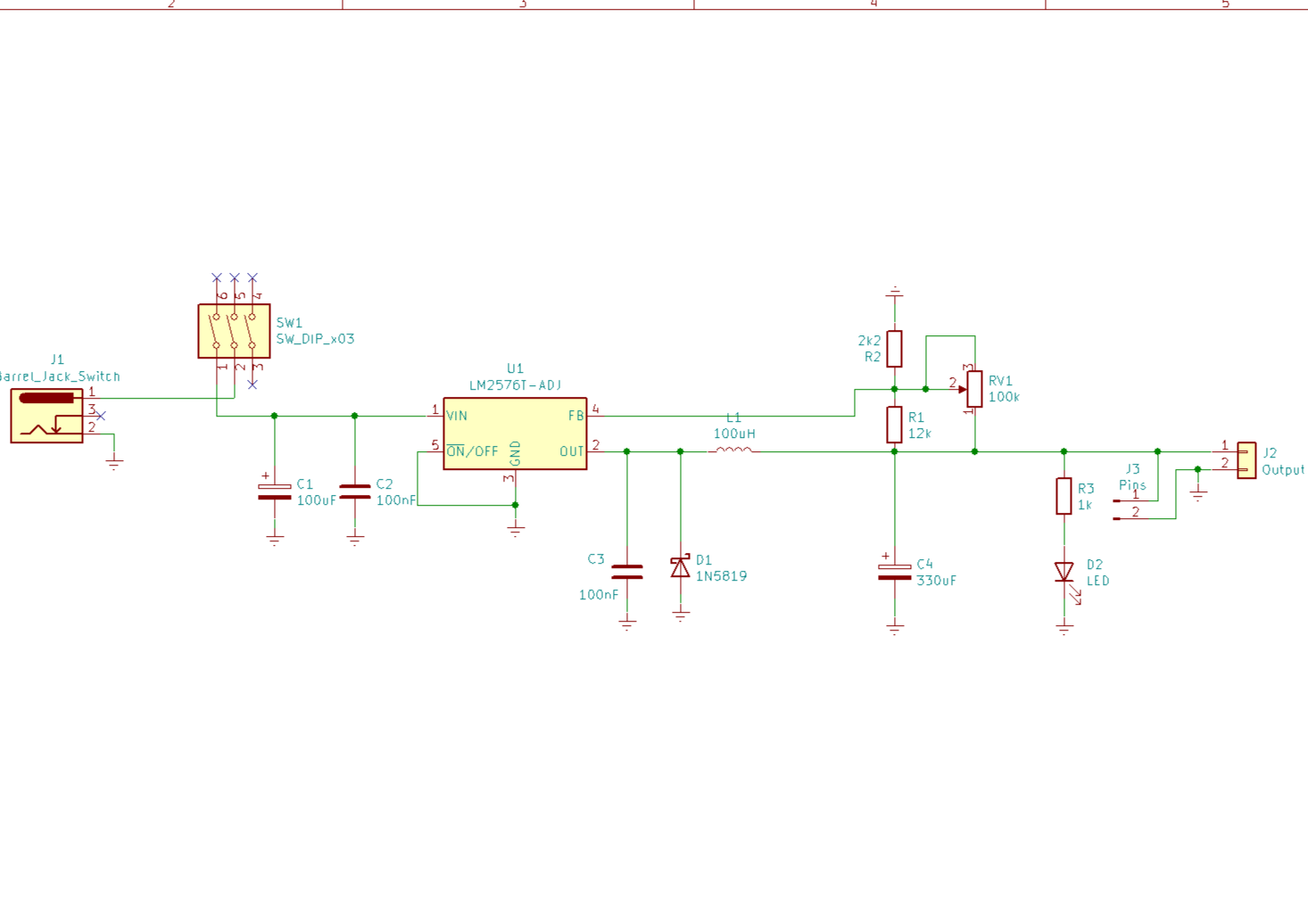
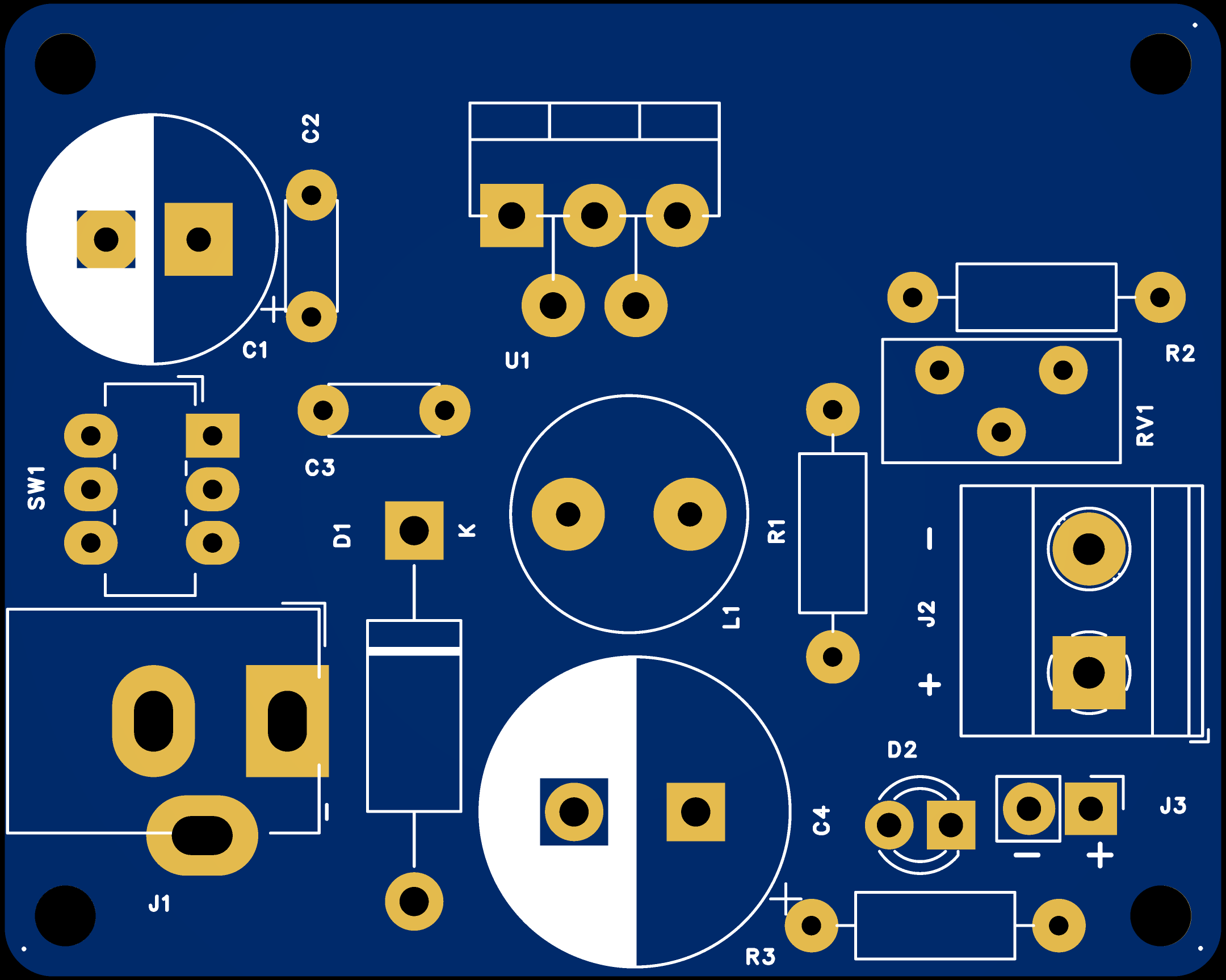
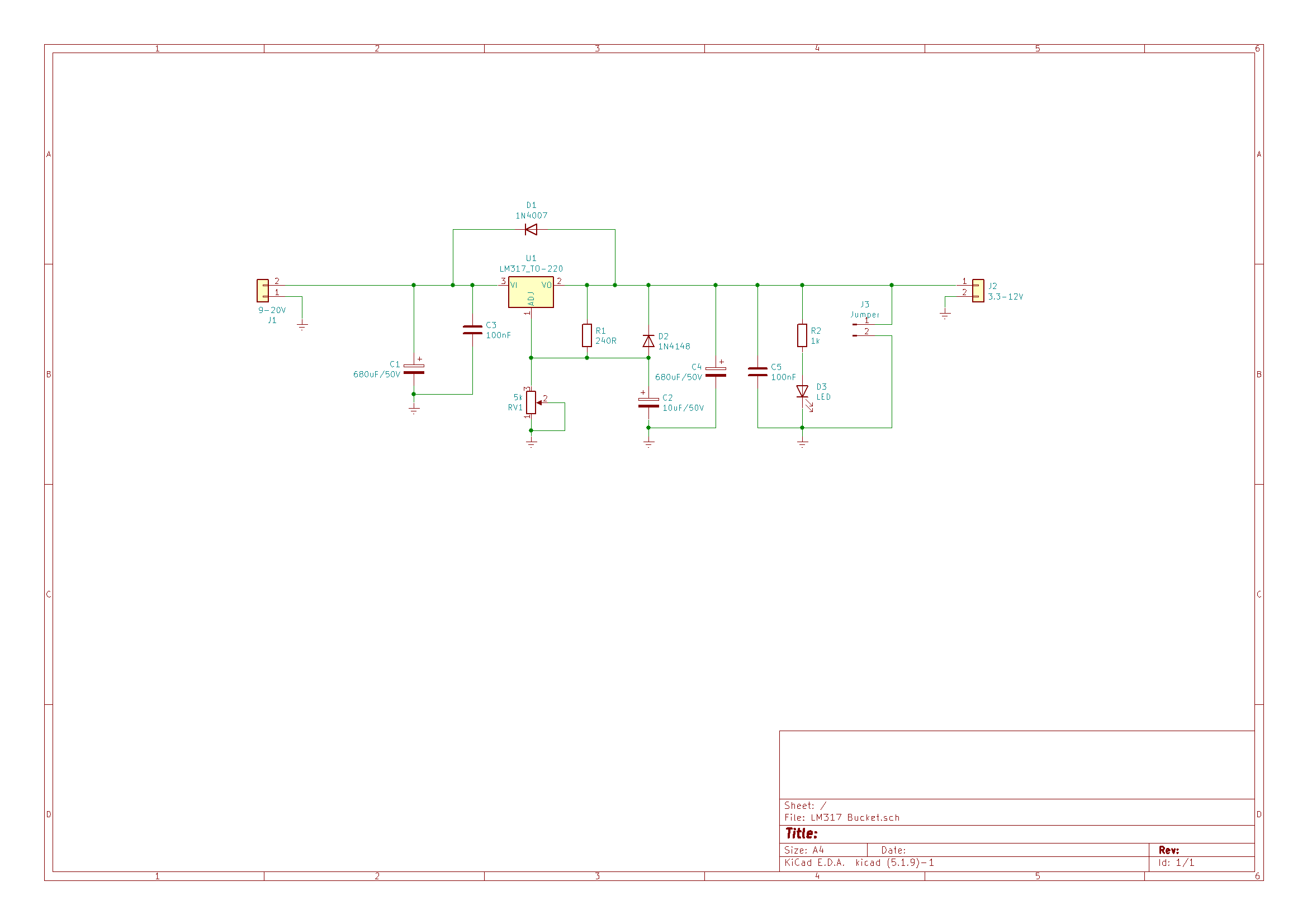
This is a DC-DC module built around the well-known LM317 IC, it does not contain the diode bridge, so it cannot be used directly with a transformer. I also chose some usual connectors, you can tighten the wires with some screws and that's it.
This circuit is capable of reducing DC voltage, but keep in mind that the input voltage must be at least 3V higher than the output voltage. The LM317 circuit has various built-in protections, more details can be found at this link : https://www.ti.com/lit/ds/symlink/lm317.pdf .
There is enough space for an 11x36mm heat sink, because I can't know what parts each one has, I can't specify a specific model.
The supply of electronic circuits is made from sources of energy that must provide constant voltages. because In reality there are no ideal voltage sources, they are used voltage stabilization circuits. Initially they were made with discrete components (transistors and passive components), but after 1970 they also appeared the first linear integrated circuits with the role of stabilizing a voltage regulators, commonly called voltage regulators. There are currently two categories of stabilizers voltage: linear and switching. They are differentiated by the working of the active elements that contribute to stabilizing the output voltage. Thus the linear sources are characterized by an operation that avoids locked modes and saturated transistors with regulating role, while at switching sources - transistors or thyristors mains operate in switching mode at a frequency over 20kHz. The choice between linear and switching power supplies is it depends on the destination of the power supply realized, by the schemes in the vicinity and by the price of cost.
Integrated linear regulators were made in the versions in order to cover as many applications as possible, the possibility of adjusting the output voltage being one of the criteria the most important. Subsequently the typical voltages used at powering different families of analog integrated circuits or digital have also led to the emergence of the first regulators of fixed voltage with output voltages at values of 24V, 15V, 12V, 9V, 5V, of both polarities.
Before sending a PCB off for manufacturing, I prefer to experiment using either a breadboard or a test board. After that, an order is placed with JLCPCB.
Enjoy it! 🤓
This project is presented "as is" and is intended for personal use.

#PCB# #LM317#![]()